01Pick the frame
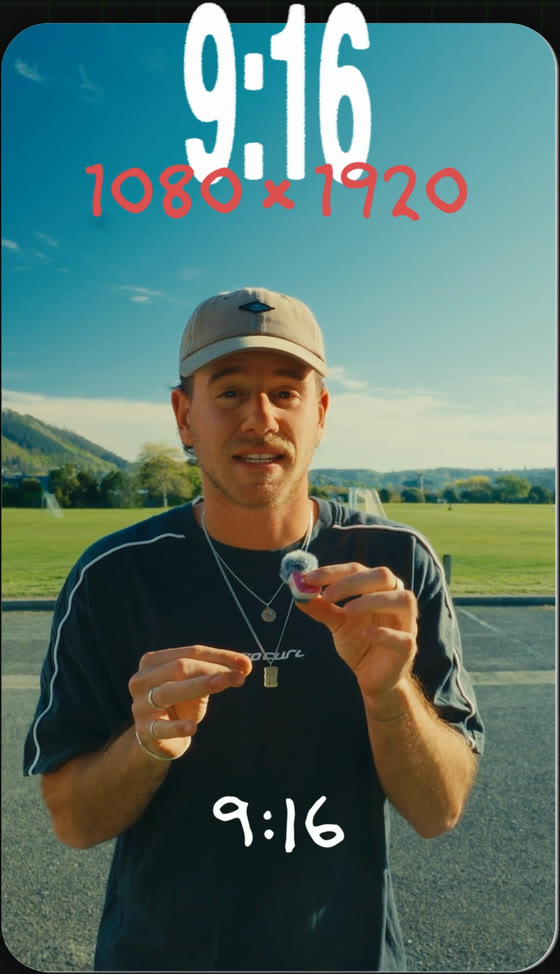
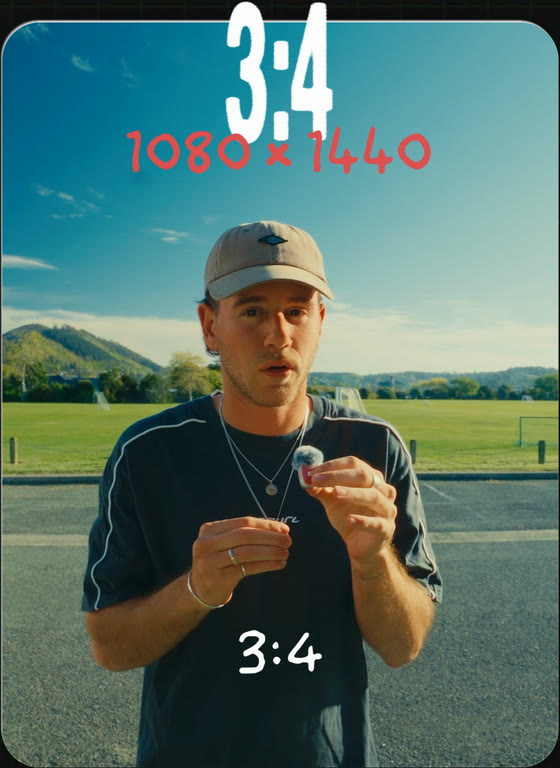
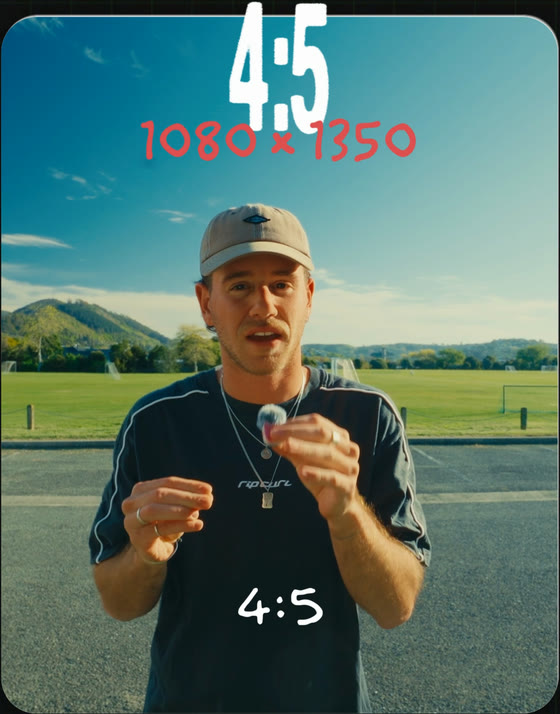
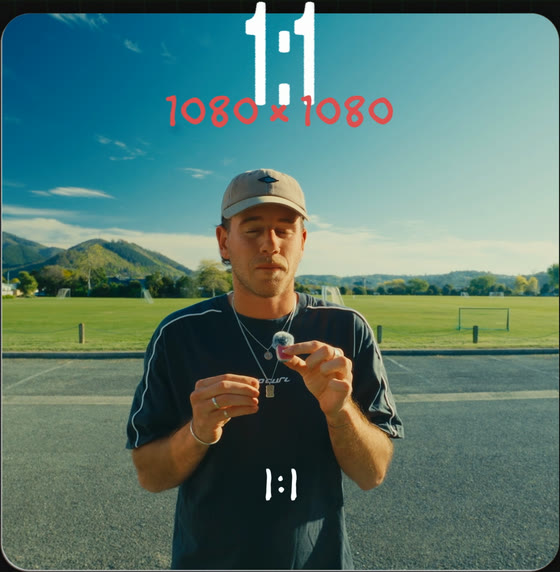
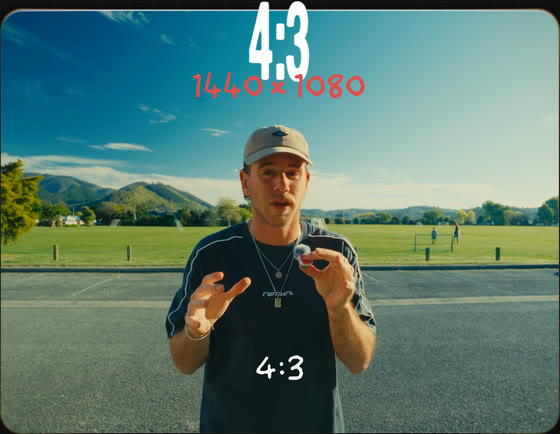
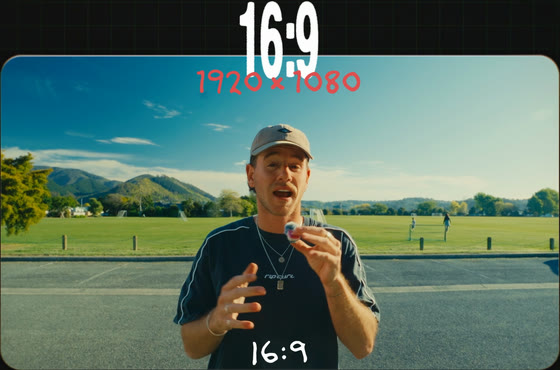
Every one keeps 1080 on its short side, only the long side moves. My Reel is 4:3. Filming in 4K? There’s enough picture in one clip to cut all six.
Guide 006 / Instagram / Reel formats
9:16 fills the screen, so every edit starts there. Some shots look better wide, and Instagram will play them wide, as long as the black bars aren’t in your file.
Width first, then height. Same order Premiere asks for them.
The frame changes how a shot feels before anyone looks at what’s in it. 9:16 puts you right up close. 4:3 is wider and almost nostalgic, and 16:9 goes wider again.
Instagram takes all six, but nearly everyone posts 9:16, so a wide one stands out in the feed.
Every one keeps 1080 on its short side, only the long side moves. My Reel is 4:3. Filming in 4K? There’s enough picture in one clip to cut all six.
That’s Cmd+N in Premiere. Width goes in horizontal, height in vertical, and Premiere shows the ratio next to them so you know it took. Every other editor has the same setting, usually under canvas or timeline resolution.
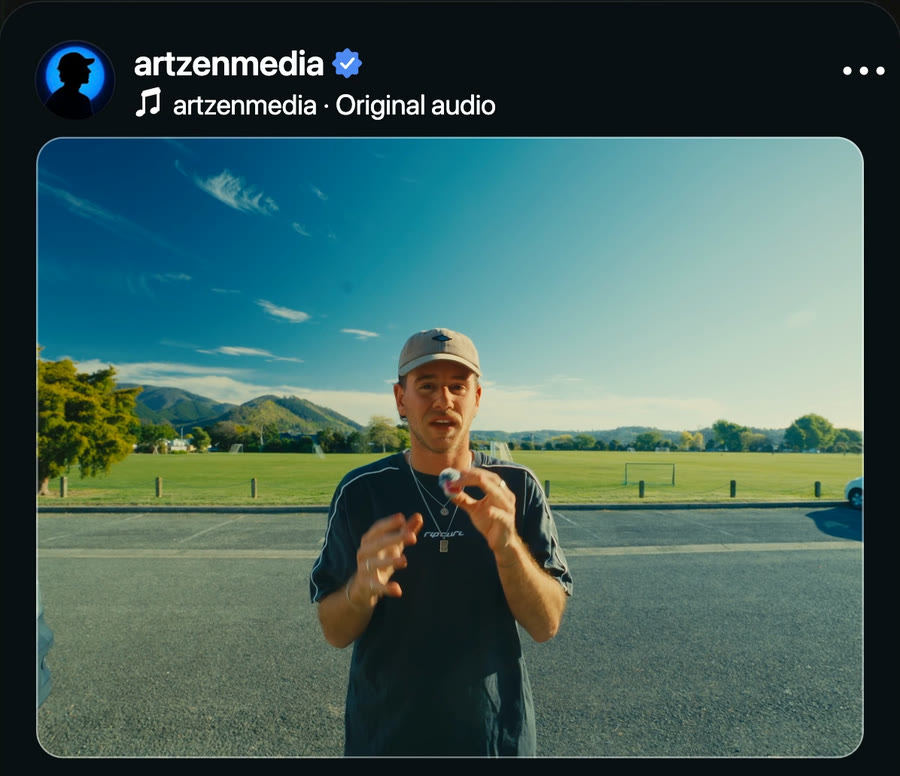
Leave the export on Match Source and the file comes out at 1440 × 1080 too. Upload it without cropping or zooming in Instagram’s editor. Your profile grid still shows everything as 3:4, so pick a cover frame that survives the trim.
Bars belong to Instagram’s player. Keep them out of your file.
Find the widest shot in your last edit. Put it in a 1440 × 1080 sequence, post it, and watch how it sits between all the 9:16s.
Happy creating. Ben